Remove TikTok Watermark Free Online
Remove TikTok logos and moving watermarks from videos online for free in 2026. Use custom masks, keep the full 9:16 vertical frame, no sign-up, and export HD quality.
Desktop recommended — not all features may work on mobile.
Drop Your Video Here
or click to browse files
How to Use TikTok Watermark Remover
A simple workflow for clean, watermark-free output
Upload Your Video
Upload the source video in MP4, MOV, or WebM. Use the original export for the cleanest result.
Mark or Detect the Watermark
Use the preset or draw a custom mask around the logo, text, or watermark area.
Export a Clean Video
Preview the result and export a watermark-free video for social posts, ads, or client work.
How to Remove TikTok Watermark Without Cropping

TikTok watermarks move between corners throughout the video — which means cropping only works if you sacrifice large parts of the 9:16 frame. For vertical videos, that typically means cutting off faces, text overlays, or key product details.
SorryWatermark uses custom masks instead of cropping. Draw a mask over each TikTok watermark position and the tool removes it from every frame — the full vertical frame stays intact. This is the correct method for reposts, ad creatives, UGC edits, and branded content that needs to stay in its original format.
Remove TikTok Watermark Free — No Sign-Up
The free TikTok watermark remover runs entirely in your browser. No account, no software installation, no upload limits on video length. Upload your TikTok video, add mask positions for the logo and username watermark, preview the clean result, and download in HD.
The free tool covers manual mask removal. For automatic TikTok watermark detection, batch processing of multiple videos, and 4K upscaling, PRO plans start at $5.99/month.
Best for Reposts, UGC Campaigns, and Social Ads
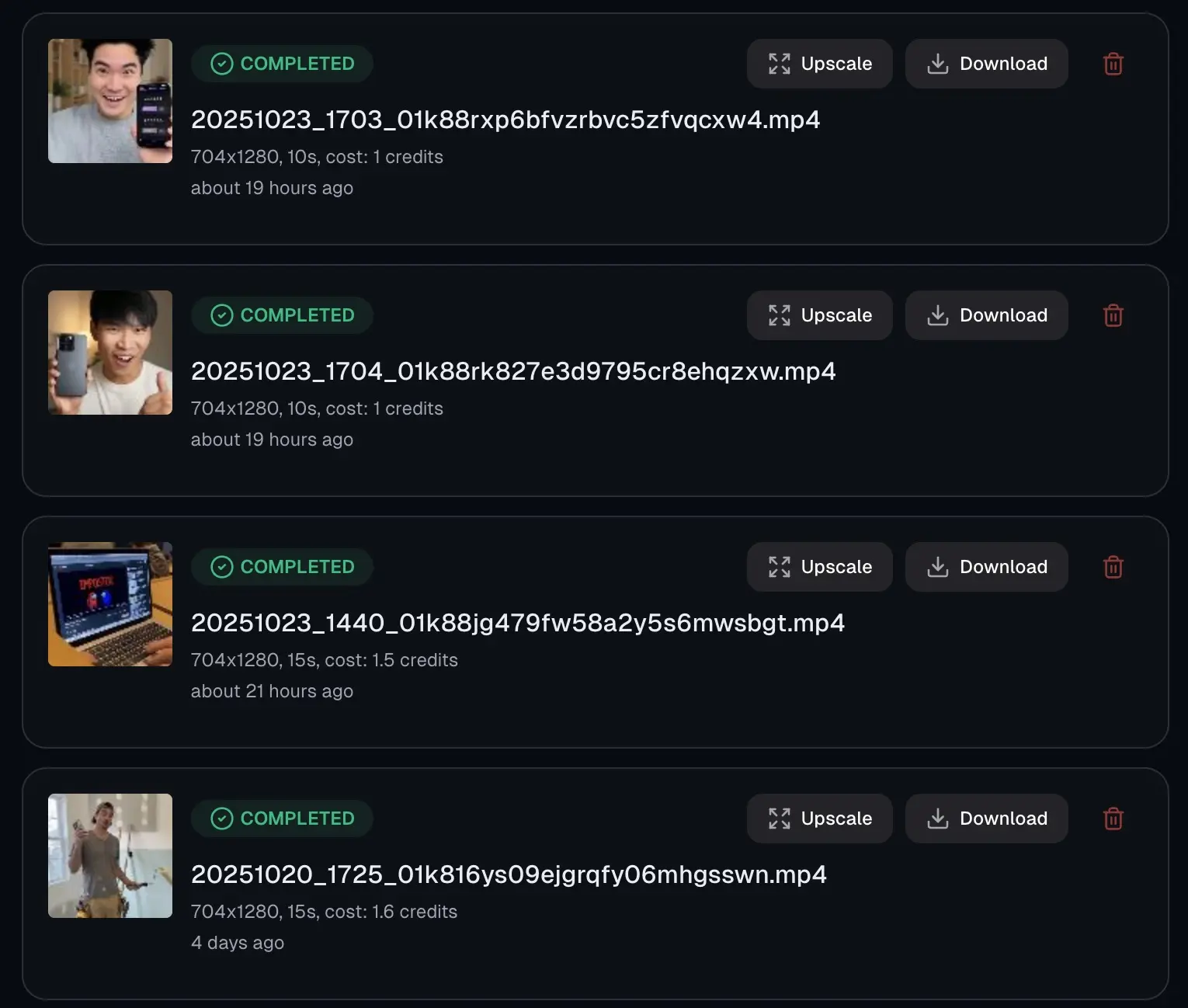
Clean TikTok clips without watermarks are easier to repurpose in social media campaigns, client presentations, product demos, and creator portfolios. Ad platforms (Meta Ads, Google Ads) also flag watermarked content — removing the TikTok logo ensures your ads aren't rejected.
For the best quality output: always use the highest-quality source video you have, mask only the watermark area (not the full corner), and export at the original resolution or upscale to 4K for broadcast-ready quality.
Frequently Asked Questions
Everything you need to know about tiktok watermark remover
Can I remove the TikTok watermark online for free?
Yes. Upload your TikTok video, mark the logo or moving watermark area with a custom mask, and export a clean HD video directly from your browser — no sign-up, no software download required.
How do I remove a TikTok watermark without cropping?
Use custom masks for each TikTok watermark position instead of cropping. This keeps the full 9:16 frame intact — faces, captions, and product details stay in frame. Cropping would permanently cut out part of your video.
Can it handle moving TikTok watermarks?
Yes. TikTok watermarks often shift between corners during the video. Add masks for each watermark position, or use saved presets if the placement is predictable. The editor applies each mask independently across the full video duration.
Does removing the TikTok watermark affect video quality?
No. The free tool exports in HD quality at the original resolution. For 4K upscaling and best-quality AI reconstruction, the PRO plan is available from $5.99/month.
How long does TikTok watermark removal take?
Most TikTok videos process in 1–3 minutes. Shorter clips under 30 seconds typically complete in under a minute. Longer videos with multiple watermark positions take a few minutes more.
Can I remove the TikTok username watermark too?
Yes. The username text watermark (e.g., @username displayed on TikTok reposts) can be masked just like the TikTok logo — draw a mask over the text area and it will be removed from the export.
Is it legal to remove TikTok watermarks?
You should only remove TikTok watermarks from videos you created yourself or have explicit permission to edit. Using this tool on other creators' content without permission may violate TikTok's terms of service and copyright law.
Remove TikTok Watermark Now
Upload your TikTok video and export a clean HD version in minutes — free, no sign-up.
Remove Watermark FreeNo sign-up required
Related Tools
Explore our complete suite of AI video tools
Free Sora Watermark Remover
FREERemove Sora and Sora watermarks from AI videos
Sora Watermark Remover PRO
PROAdvanced AI watermark removal with best quality
AI Video Prompt Generator
Structured AI video prompts for Sora 2—styles, cinematography, templates, exports
Sora Video Generator
Generate AI videos with Sora technology
Video Watermark Remover
Remove watermarks from full videos online free
Veo Watermark Remover
Remove Google Veo logos and visible Veo watermarks
YouTube Shorts Watermark Remover
Clean YouTube logos, Shorts marks, and channel badges
Instagram Reels Watermark Remover
Remove Reels logos, usernames, and repost overlays
Sora Watermark Remover
Dedicated remover for rotating Sora watermark patterns
Kling Video Watermark Remover
Remove Kling video logos and visible watermarks
Remove Logo from Video
Remove logos, timestamps, and text overlays from video
Remove Captions from Video
Remove burned-in captions, subtitles, and text overlays
How to Remove Watermark from Video
Free guide to remove video watermarks without blur
Remove Watermark Without Blur
AI reconstruction method explained with step-by-step tips
How to Remove Sora Watermark
Guide for Sora and Sora watermark removal
How to Remove Veo Watermark
Guide for Google Veo and Flow videos
Omni Watermark Remover
Remove Omni AI video logos and watermarks
How to Remove Omni Watermark
Step-by-step guide for Omni videos
Add Watermark to Video
Overlay a logo or text watermark on any video online