How to Remove Watermark from Video
The fastest way to remove a watermark from video online is to upload the original file, mask the logo or text overlay, preview the result, and export a clean full video. This guide compares free blur/crop methods with no-blur AI reconstruction.
Quick Answer: How Do You Remove a Watermark from a Video?
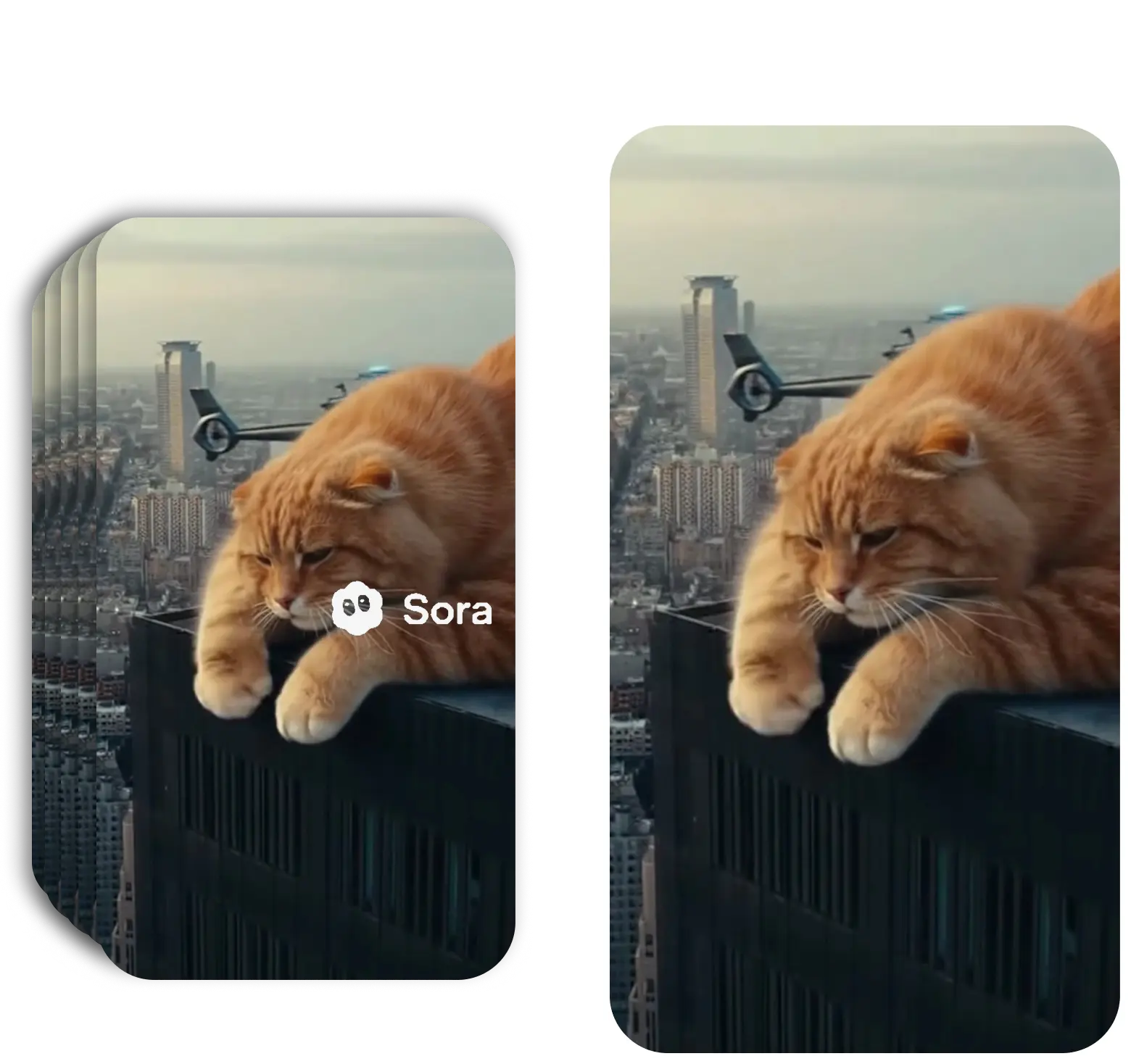
To remove a watermark from a video, use a mask-based editor: upload the original video, mark only the watermark or logo area, preview the cleaned frame, then export the full video in HD. This avoids the most common problem with free editors: a large blurry patch where the watermark used to be.
For simple corner marks, a free online video watermark remover is usually enough. For moving logos, Sora/Veo watermarks, or client-ready ads, AI reconstruction gives a cleaner no-blur result because it rebuilds the pixels under the mark instead of cropping the frame.
3 Ways to Remove Watermarks from Video
Understand the trade-offs before choosing your approach
Method 1 — Blur / Mosaic (Free, Poor Quality): The simplest approach: place a blur, mosaic, or solid color block over the watermark. Available in most free editors, but the result is obvious and can make the video unusable for ads or client work.
Method 2 — Crop (Free, Loses Content): Cropping the video frame to cut out the watermark region. Works only if the watermark is on an edge and you can afford to lose part of the frame. Changes the aspect ratio and permanently removes part of your video. Not viable for center or multi-position watermarks.
Method 3 — AI Inpainting / Reconstruction (Best Quality): The professional approach. An AI model analyzes surrounding pixels, motion patterns, and temporal consistency across frames, then reconstructs the content underneath the watermark frame by frame. The result is a completely clean video — no blur, no cropping, no quality loss. This is what tools like SorryWatermark PRO use.
How to Remove a Watermark from a Video — Step by Step
Using AI reconstruction for the best result in minutes
Upload Your Video
Go to sorrywatermark.com and drag & drop your video file. Supports MP4, MOV, WebM and more. Upload single or multiple videos for batch processing.
AI Detects & Removes
Our AI automatically detects the watermark location and reconstructs the pixels frame by frame. No manual selection needed — the process is fully automatic.
Download Clean Video
Preview the result and download your watermark-free video. Export in original quality or upscale to 4K. Processing typically takes a few minutes.
Tips to Get the Best Watermark Removal Results
Choose the right tool for your watermark type. Static corner watermarks (like Sora's branding) are the easiest to remove. Moving, animated, or semi-transparent watermarks over complex scenes take more AI compute but are still handled by modern inpainting tools. Watermarks over plain backgrounds (sky, walls, solid colors) produce the best reconstruction results.
Avoid re-encoding before removal. If you've already compressed your video multiple times, the quality is already reduced before removal even starts. Always remove the watermark from the highest-quality source file you have — preferably the original export from Sora, Veo, or your editor.
Use batch processing for multiple clips. If you have many videos from the same Sora or Veo session (same watermark position), a batch processor like SorryWatermark lets you queue all of them at once. Each video is processed in parallel, saving hours compared to doing them one by one.
Pair watermark removal with 4K upscaling. If your source video is 1080p or lower, many PRO tools let you remove the watermark and upscale to 4K in a single pass — no additional processing step needed.
Free vs PRO — Which Watermark Remover Is Right for You?
Both tools remove watermarks from video, but the method and output quality are fundamentally different.
Video Watermark Remover Free
Manual tool — you draw masks over the watermark and the tool fills the area with a blur. Best for quick edits where appearance isn't critical.
Video Watermark Remover PRO
AI-powered cloud tool — automatically detects the watermark and reconstructs the content underneath. No blur, no artifacts, professional quality.
Not sure which to choose? Use the Free tool for personal testing. f for ads, client work, or any content that needs to look professional.
AI Reconstruction vs Blur — Why It Matters
The fundamental difference between blur-based removal and AI reconstruction is how the tool handles the covered pixels. Blur simply averages the existing pixels in the watermark region into a smear — the watermark is gone but so is the underlying content, replaced by an obvious blotch.
AI inpainting reconstructs what was underneath. By analyzing the frames before and after, the surrounding pixels, and the motion flow of the scene, the AI model generates a plausible reconstruction of what should be in that area. The result blends naturally with the rest of the frame — no visible patch, no edge artifacts, no ghosting.
This distinction matters most for professional use cases: social media ads, client deliverables, product videos, and UGC marketing campaigns all require clean, artifact-free footage. A visibly blurred watermark replacement is often worse than the original watermark.
Frequently Asked Questions
How to remove watermarks from video — common questions answered
Can I remove a watermark from a video for free?
Yes. Our free Sora watermark remover at sorrywatermark.com lets you remove watermarks without a subscription. The free tool provides basic quality removal. For best quality, no blur, batch processing, and 4K upscaling, the PRO plan starts at $5.99/month.
What is the best way to remove a watermark from a video?
The best method is AI-powered inpainting/reconstruction, which analyzes the surrounding pixels and rebuilds the content underneath the watermark frame by frame. This produces clean results with no blur, no cropping, and no quality loss — unlike older methods that simply blur or crop the watermark area.
How long does it take to remove a watermark from a video?
Most videos process within 1–3 minutes using cloud-based AI. The exact time depends on video length, resolution, and current server load. Batch jobs run in parallel, so processing 10 videos doesn't take 10× longer.
Does removing a watermark reduce video quality?
With AI reconstruction tools like ours, no — the original resolution, frame rate, bitrate, and color space are preserved. Older blur or crop methods do degrade quality. AI inpainting actually reconstructs the pixels underneath, so the surrounding area looks natural.
Can I remove a watermark without cropping the video?
Yes. Cropping is a last-resort method that removes part of your video frame. AI reconstruction tools remove the watermark while keeping the full frame intact by rebuilding the content underneath.
What video formats are supported?
We support MP4 (H.264/H.265), MOV (ProRes), WebM, and AVI. Output can be exported as MP4, MOV, or WebM at your chosen quality level.
Can I remove moving or animated watermarks?
Yes. Our AI handles both static and moving watermarks. It tracks the watermark's position across frames, applying reconstruction individually to each frame for seamless results throughout the video.
Is it legal to remove watermarks from videos?
You should only remove watermarks from videos you own or have explicit permission to edit. Removing watermarks from stock footage, videos you purchased, or other creators' work without permission may violate copyright law. Our tool is designed for creators removing watermarks from their own AI-generated content.
Remove Watermark from Video Now
Try the free online video watermark remover — no sign-up, custom masks, HD export, and no need to crop the full frame.
Remove Watermark FreeNo sign-up required
Last updated: 7/16/2026 •✓ AI reconstruction method • ✓ No blur, no cropping • ✓ Works on any video
Related Tools
Explore our complete suite of AI video tools
Free Sora Watermark Remover
FREERemove Sora and Sora watermarks from AI videos
Sora Watermark Remover PRO
PROAdvanced AI watermark removal with best quality
AI Video Prompt Generator
Structured AI video prompts for Sora 2—styles, cinematography, templates, exports
Sora Video Generator
Generate AI videos with Sora technology
Video Watermark Remover
Remove watermarks from full videos online free
Veo Watermark Remover
Remove Google Veo logos and visible Veo watermarks
TikTok Watermark Remover Online Free
Remove TikTok logos and moving watermarks without cropping
YouTube Shorts Watermark Remover
Clean YouTube logos, Shorts marks, and channel badges
Instagram Reels Watermark Remover
Remove Reels logos, usernames, and repost overlays
Sora Watermark Remover
Dedicated remover for rotating Sora watermark patterns
Kling Video Watermark Remover
Remove Kling video logos and visible watermarks
Remove Logo from Video
Remove logos, timestamps, and text overlays from video
Remove Captions from Video
Remove burned-in captions, subtitles, and text overlays
Remove Watermark Without Blur
AI reconstruction method explained with step-by-step tips
How to Remove Sora Watermark
Guide for Sora and Sora watermark removal
How to Remove Veo Watermark
Guide for Google Veo and Flow videos
Omni Watermark Remover
Remove Omni AI video logos and watermarks
How to Remove Omni Watermark
Step-by-step guide for Omni videos
Add Watermark to Video
Overlay a logo or text watermark on any video online