Kling Video Watermark Remover Online Free
Remove Kling video logos, corner marks, and visible watermarks from AI-generated videos with custom masks and HD export.
Desktop recommended — not all features may work on mobile.
Drop Your Video Here
or click to browse files
How to Use Kling Video Watermark Remover
A simple workflow for clean, watermark-free output
Upload Your Video
Upload the source video in MP4, MOV, or WebM. Use the original export for the cleanest result.
Mark or Detect the Watermark
Use the preset or draw a custom mask around the logo, text, or watermark area.
Export a Clean Video
Preview the result and export a watermark-free video for social posts, ads, or client work.
Remove Kling AI Logos Without Cropping
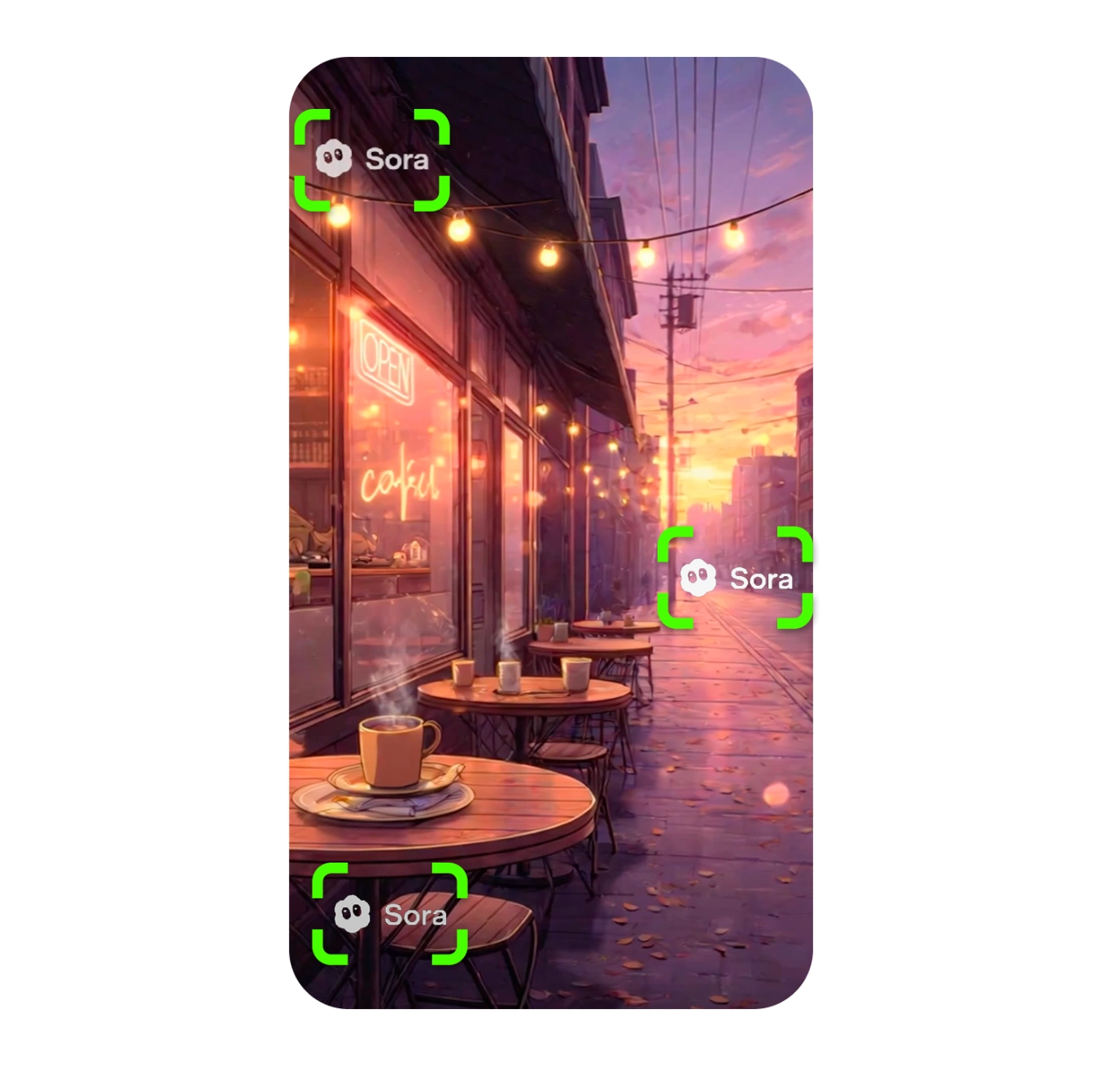
Kling AI videos can include visible branding or corner marks that are awkward to crop out, especially in vertical clips or shots with important edge details.
Use custom masks to target the Kling watermark area directly while preserving the full video frame for ads, Reels, Shorts, and client previews.
Best Results for AI-Generated Video
AI video often has fine motion, generated texture, and compressed detail. Upload the original Kling export when possible and avoid re-encoding before cleanup.
For many Kling clips, PRO batch processing and 4K upscaling can keep results more consistent across a full set of creative variations.
Frequently Asked Questions
Everything you need to know about kling video watermark remover
Can I remove a Kling AI watermark online?
Yes. Upload your Kling video, mark the watermark or logo area, and export a clean version from your browser.
Does this work for Kling AI-generated videos?
Yes. The editor is designed for AI-generated videos and can handle Kling logos, corner marks, text overlays, and similar visible watermarks.
Is Kling watermark removal free?
The free editor supports manual masks and HD export. PRO adds best-quality AI reconstruction, automatic detection, batch processing, and 4K upscaling.
Will removing the Kling watermark blur my video?
The goal is to remove the watermark cleanly with mask-based editing. For the best no-blur result, keep masks tight around the Kling logo and use the highest-quality source export.
Remove Kling Watermark
Upload your Kling video and export a clean version online.
Remove Watermark FreeNo sign-up required
Related Tools
Explore our complete suite of AI video tools
Free Sora Watermark Remover
FREERemove Sora and Sora watermarks from AI videos
Sora Watermark Remover PRO
PROAdvanced AI watermark removal with best quality
AI Video Prompt Generator
Structured AI video prompts for Sora 2—styles, cinematography, templates, exports
Sora Video Generator
Generate AI videos with Sora technology
Video Watermark Remover
Remove watermarks from full videos online free
Veo Watermark Remover
Remove Google Veo logos and visible Veo watermarks
TikTok Watermark Remover Online Free
Remove TikTok logos and moving watermarks without cropping
YouTube Shorts Watermark Remover
Clean YouTube logos, Shorts marks, and channel badges
Instagram Reels Watermark Remover
Remove Reels logos, usernames, and repost overlays
Sora Watermark Remover
Dedicated remover for rotating Sora watermark patterns
Remove Logo from Video
Remove logos, timestamps, and text overlays from video
Remove Captions from Video
Remove burned-in captions, subtitles, and text overlays
How to Remove Watermark from Video
Free guide to remove video watermarks without blur
Remove Watermark Without Blur
AI reconstruction method explained with step-by-step tips
How to Remove Sora Watermark
Guide for Sora and Sora watermark removal
How to Remove Veo Watermark
Guide for Google Veo and Flow videos
Omni Watermark Remover
Remove Omni AI video logos and watermarks
How to Remove Omni Watermark
Step-by-step guide for Omni videos
Add Watermark to Video
Overlay a logo or text watermark on any video online