Remove Logo from Video Online Free
Remove corner logos, timestamps, text overlays, and platform branding from videos with custom masks and HD export.
Desktop recommended — not all features may work on mobile.
Drop Your Video Here
or click to browse files
How to Use Video Logo Remover
A simple workflow for clean, watermark-free output
Upload Your Video
Upload the source video in MP4, MOV, or WebM. Use the original export for the cleanest result.
Mark or Detect the Watermark
Use the preset or draw a custom mask around the logo, text, or watermark area.
Export a Clean Video
Preview the result and export a watermark-free video for social posts, ads, or client work.
Remove Logos Without Losing the Full Frame
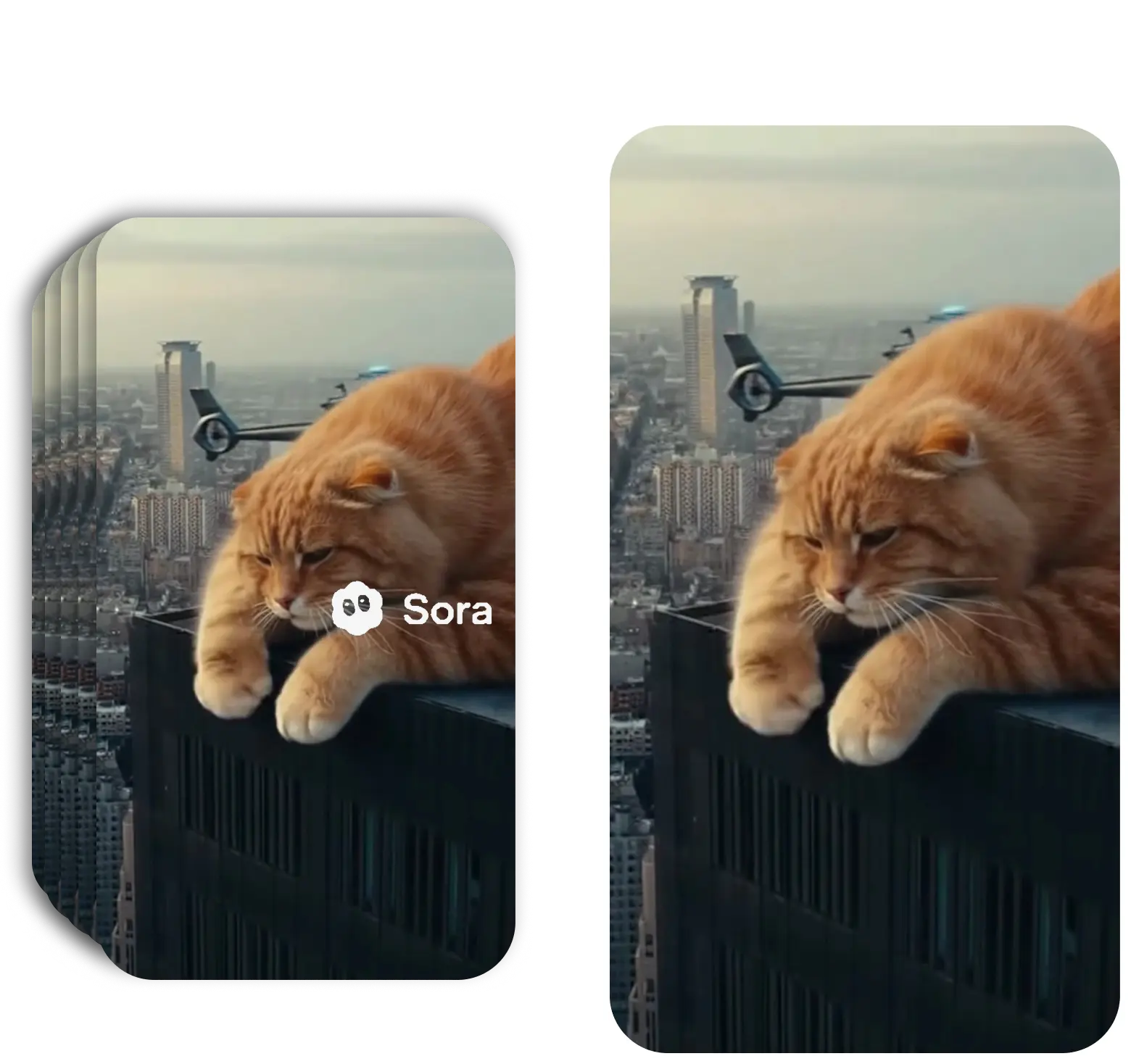
A video logo is usually placed in a corner, but cropping that corner can remove subtitles, products, faces, or UI details. Mask-based removal lets you target only the unwanted branding.
This works for static logos, semi-transparent marks, timestamps, platform badges, and text overlays.
For Stock Clips, UGC, and Client Edits
Logo removal is useful when cleaning footage you own, licensed content you are allowed to edit, AI-generated videos, or internal production drafts.
For best results, keep masks as tight as possible around the logo and process from the highest-quality source file.
Frequently Asked Questions
Everything you need to know about video logo remover
Can I remove a logo from a video online?
Yes. Upload your video, draw a mask over the logo, and export a clean version online.
What types of logos can be removed?
The editor works for corner logos, text overlays, timestamps, platform marks, and semi-transparent branding.
Does logo removal blur the video?
The goal is to reconstruct or blend the logo area rather than simply crop the frame. Complex scenes may require smaller, more precise masks for the cleanest result.
Can I remove a moving logo?
Yes. Add masks at the logo positions over time or use PRO automatic detection for more complex moving marks.
Remove a Logo from Video
Upload your video and clean logos or overlays online.
Remove Watermark FreeNo sign-up required
Related Tools
Explore our complete suite of AI video tools
Free Sora Watermark Remover
FREERemove Sora and Sora watermarks from AI videos
Sora Watermark Remover PRO
PROAdvanced AI watermark removal with best quality
AI Video Prompt Generator
Structured AI video prompts for Sora 2—styles, cinematography, templates, exports
Sora Video Generator
Generate AI videos with Sora technology
Video Watermark Remover
Remove watermarks from full videos online free
Veo Watermark Remover
Remove Google Veo logos and visible Veo watermarks
TikTok Watermark Remover Online Free
Remove TikTok logos and moving watermarks without cropping
YouTube Shorts Watermark Remover
Clean YouTube logos, Shorts marks, and channel badges
Instagram Reels Watermark Remover
Remove Reels logos, usernames, and repost overlays
Sora Watermark Remover
Dedicated remover for rotating Sora watermark patterns
Kling Video Watermark Remover
Remove Kling video logos and visible watermarks
Remove Captions from Video
Remove burned-in captions, subtitles, and text overlays
How to Remove Watermark from Video
Free guide to remove video watermarks without blur
Remove Watermark Without Blur
AI reconstruction method explained with step-by-step tips
How to Remove Sora Watermark
Guide for Sora and Sora watermark removal
How to Remove Veo Watermark
Guide for Google Veo and Flow videos
Omni Watermark Remover
Remove Omni AI video logos and watermarks
How to Remove Omni Watermark
Step-by-step guide for Omni videos
Add Watermark to Video
Overlay a logo or text watermark on any video online